 TouchGrass for Mac
Your Mac goes dark until you go outside.
A clock moves into your notch. When it hits zero, the screen goes dark and Grassy has opinions. The only way back in is a live photo, taken outside.
- macOS 13 or later
- Works with or without a notch
- Your data stays on your Mac
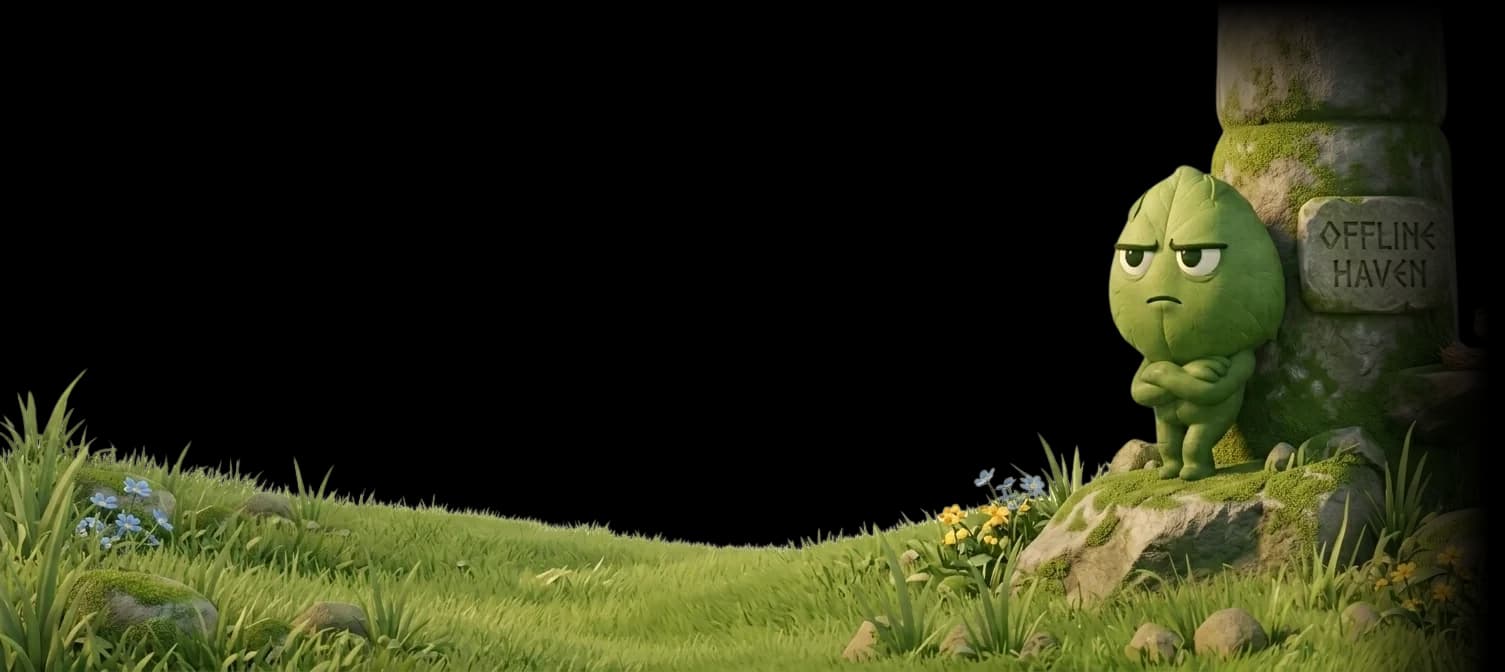
Everything it takes to get you off the screen
A clock in your notch, a black screen when time is up, a roast while you sit there, and exactly one way out.
- Notch island
- App limits
- Site limits
- Daily budget
- Black screen
- Roasts
- Live photo unlock
- Work mode
- Focus sessions
- Stats
- Streaks
- Private by default
Limit reached · Discord
Outside is free and you still won't go.
Scan with your phone. Go outside. Snap it live.
Camera only, no gallery
The code above is real: it opens t0uchgrass.com. In the app it opens your camera. Background clip: “Big Buck Bunny” © Blender Foundation, CC BY 3.0.
“You've seen enough pixels today. Try some photons.”

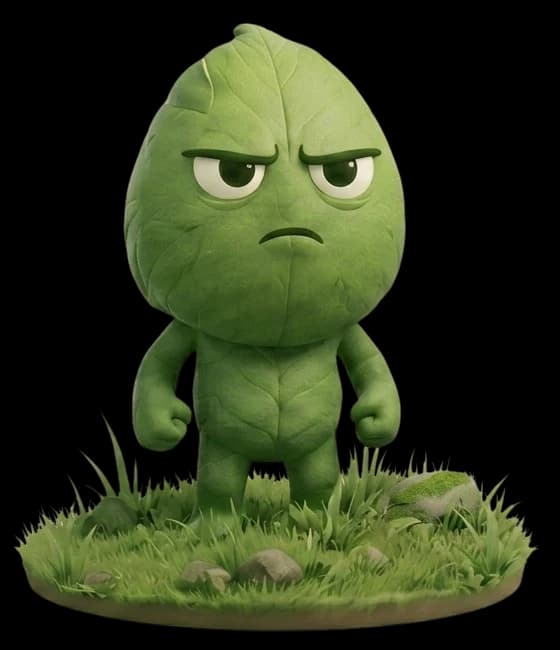
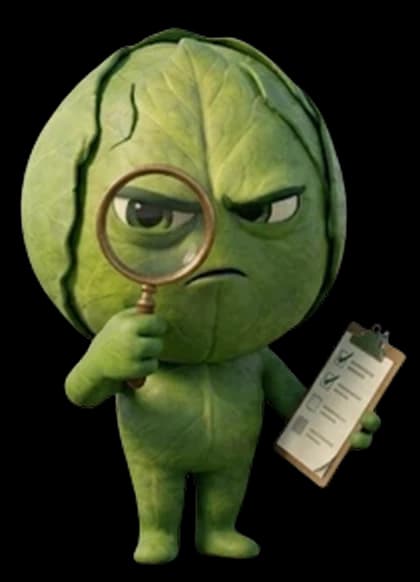
Grassy
The mascot. He says this to you, in the app.
Mean on purpose. Careful where it counts.
From the notch to the roast to the photo check, every part is built to get you outside.
The notch island
A small black island under the camera shows the app you're in and what you have left. Hover it and the card drops down.
Includes: Live countdown, five more minutes once a day, 50-minute focus sessions, stats, and a drawn notch on Macs that don't have one.
Steam
2h of 2h used
0:08
left today
The black screen
When the clock hits zero, the app disappears behind a black screen. You pick the video and the sound that play while you think about your choices.
Includes: Meadow, forest and flower clips, a rude soundtrack or a gentle one, and plain dark for purists.
Video
- Meadow creek
- Flower walk
- Butterfly meadow
- Forest shade
- Just the dark
Sound
- Shame roar
- Fake orchestra
- Chaos honk
- Soft rain
- Night crickets
Roasts, your way
Grassy has a fresh line every few seconds while you're blocked. You decide how much it stings.
Includes: Mild, spicy and brutal, plus lines for warnings, focus sessions, breaks and the daily recap.
“Your screen time has a screen time problem.”
Work mode
Your real tools are never blocked and never counted. Whole categories are on by default, and you can add or drop any app.
Includes: Code editors and IDEs, terminals, developer tools and AI assistants.
- Code editors & IDEs
- Terminals
- Developer tools
- AI assistants
It keeps score
Every pickup, every hour you won back, every time you actually touched grass. Plus a weekly card built to be screenshotted.
Includes: Screen time by hour, distracted time, pickups, time saved, streaks, your grass photos, and the weekly card.
Pickups
23
times today
Time saved
1h 52m
vs last week
Grass touched
14
times · 6-day streak
Private by default
Your usage data never leaves your Mac. Unlock photos are judged by your own Mac and deleted. Nothing about your day is for sale.
Includes: Local storage, one-time photo checks, and site limits that read the tab's address only.
- Usage dataStays on this Mac
- Unlock photosJudged on your Mac
- Browser tabsOnly the address, never the page
One way back in: go outside
Take a live photo outdoors and Grassy checks it. He is picky, and he has seen every trick.
- 1
Scan the code
Your Mac shows a QR code. It expires in five minutes.
- 2
Snap it live
Your phone opens the camera. No camera roll.
- 3
Grassy decides
Sky and grass get you back in. Ceilings don't.
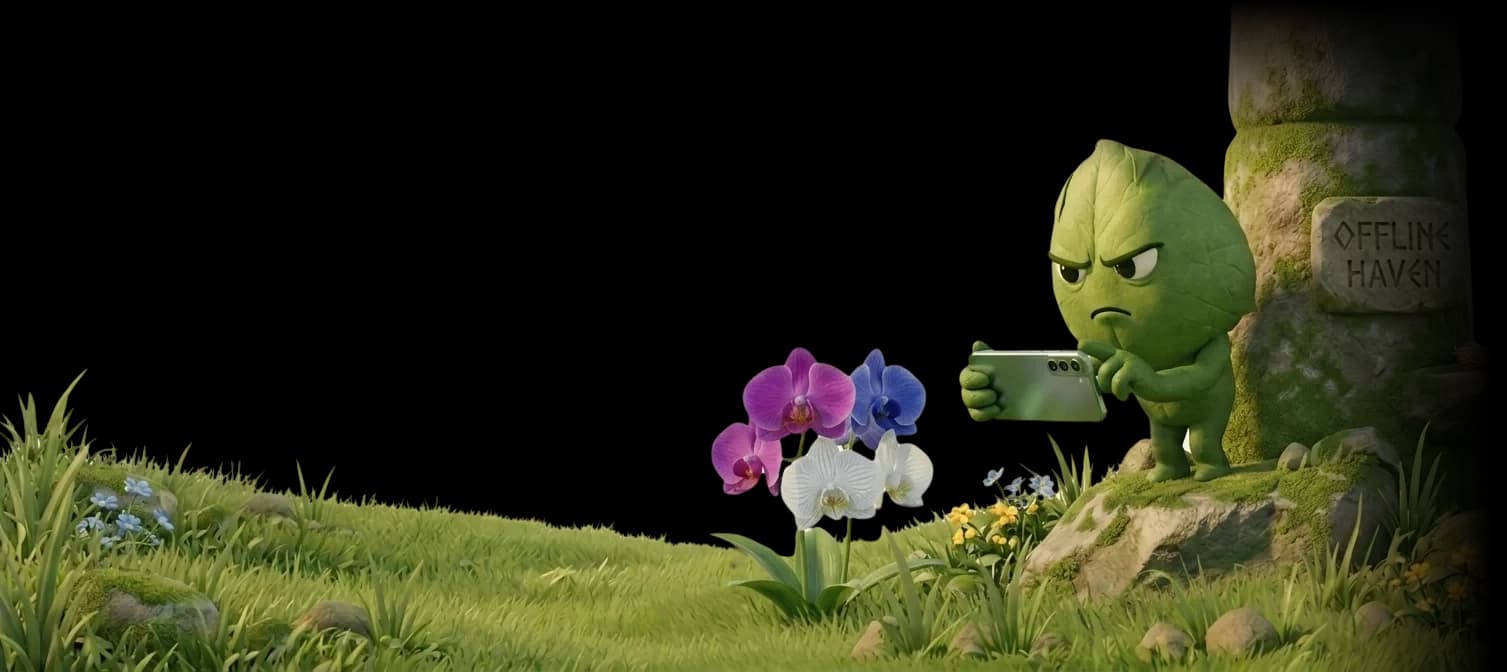
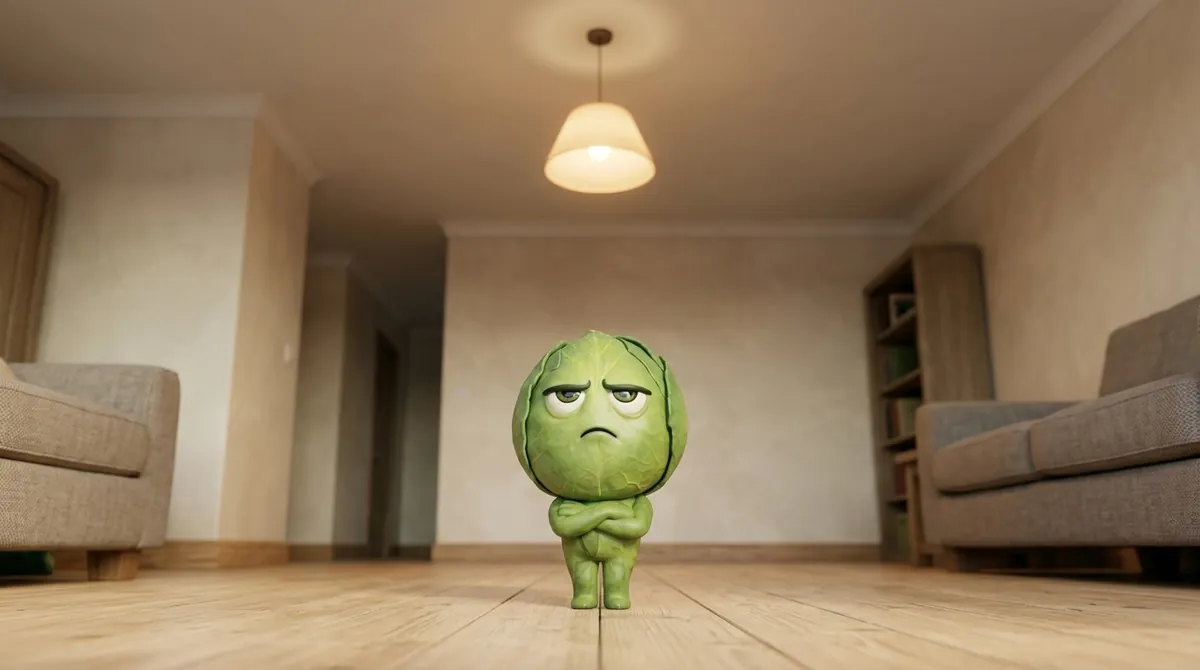 Rejected
Indoors
That's a ceiling. Nice ceiling. Still a ceiling.
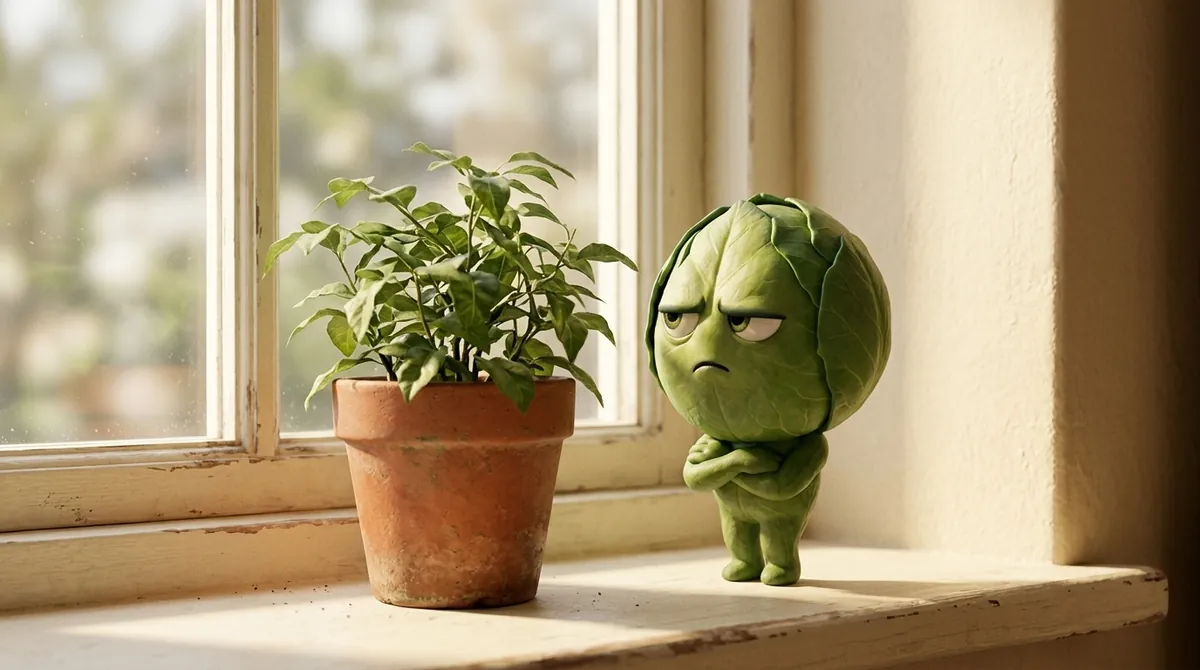 Rejected
Indoors
Houseplants don't count. We checked.
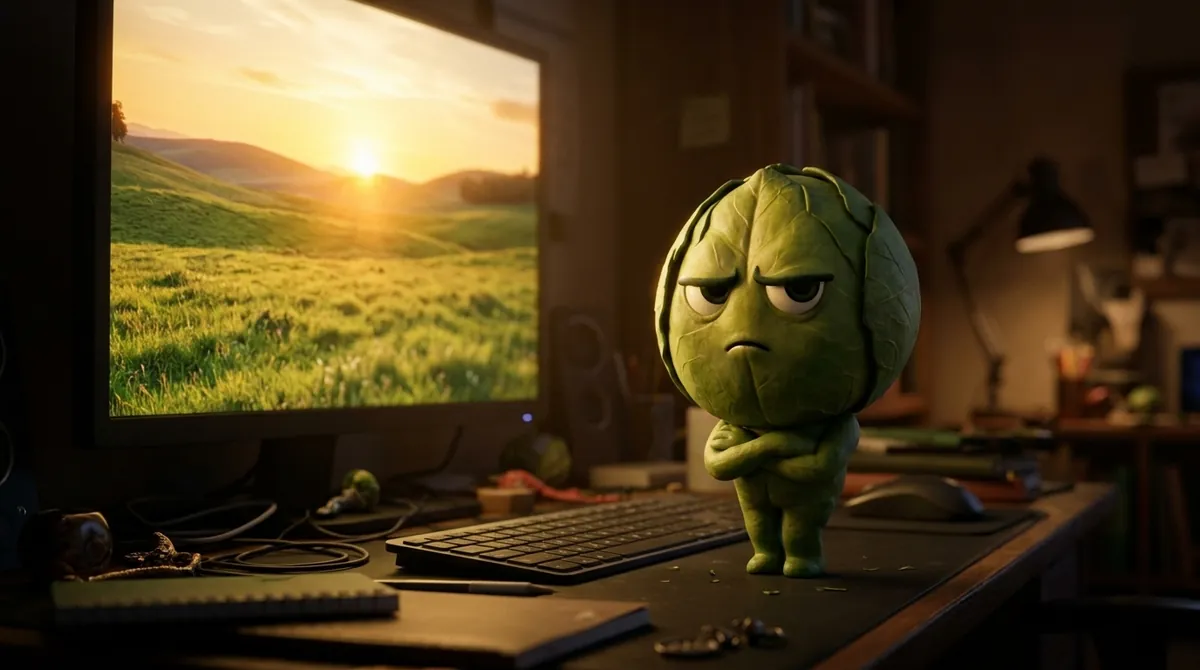 Rejected
A screen
Nature documentary detected. Go get the real one.
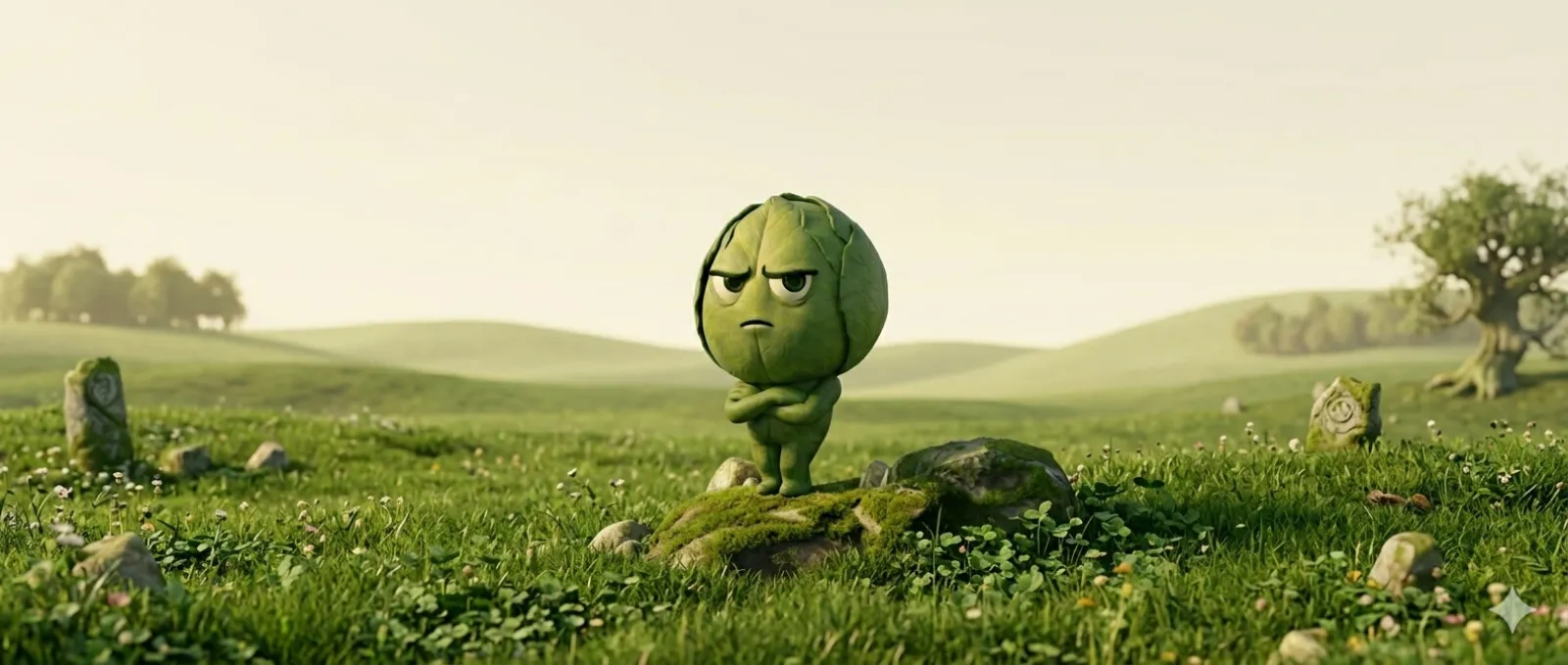 Approved
Verified outdoors
Fine. That was actually outside. Proud of you, I guess.
An approved photo unlocks your Mac for 15, 30 or 60 minutes, your pick. Keep the photo in your grass history or skip it.
- Breaking news: outside still exists.
- Your screen time has a screen time problem.
- The sun filed a missing person report.
- Sixty seconds. Shoes. Door. Sky.
- Vitamin D has given up on you.
- Time's up. Grass. Now.
Enough scrolling.
Leave your email. Grassy tells you the day it's ready, and then never writes again.
macOS 13 or later.
- You and that chair need to see other people.
- Outside called. You sent it to voicemail.
- Quick walk. The feed will still be there. Unfortunately.
- Your eyes called. They want a sunset.
- Look at you, photosynthesizing.
- Stand up. Your spine has notes.
Pricing
Pay once and it's yours. Every feature, no subscription.
1 Mac
$9.99Regular price $14.99
once, for the first 100 buyers
- Everything in the app
- Pay once, no subscription
- Yours to keep
- $14.99 after the first 100 buyers
3 Macs
$24.99Regular price $29.99
once, for the first 100 buyers
- Everything in the app
- Your work and home Macs
- About $8 a Mac
- $29.99 after the first 100 buyers
Everything means limits on apps and sites, the notch island, black-screen videos and sounds, live photo unlock, work mode, focus sessions and all the stats.
Questions, short answers
Both. Apps by name, sites by the address of the tab you're on. It reads the address, never the page.
Sky, grass, trees, a street. Not your ceiling, not a houseplant, and not your monitor.
So the photo is taken now, not saved for later or sent to a friend who happens to be outside. When a code runs out, your Mac shows a new one by itself.
Any phone or tablet with a camera works: scan the code, or copy the link on your Mac and open it there. Only the apps and sites you limited are blocked. Everything else on your Mac keeps working.
Rain counts. Outside is outside. At night, point the camera at something it can see: a lit street, buildings, trees under a streetlight. If it can't tell, you get three tries per code.
Yes. It's your Mac, so there's a Quit button, and TouchGrass won't lock you out of your own computer. It works by making giving in something you do on purpose instead of by reflex.
No. You scan the code and your phone's camera opens. Live photo only. The camera roll stays out of it.
Work mode. Code editors, terminals, developer tools and AI assistants are never blocked and never counted, and you can add your own.
macOS 13 or later. If your Mac doesn't have a notch, TouchGrass draws a small one for the island to live in.
No. The first 100 buyers pay $9.99 for one Mac or $24.99 for up to 3, then it's $14.99 and $29.99. Pay once, no subscription. Outside is still free.
Your usage data never leaves your Mac. Unlock photos are judged by your own Mac, not by an AI service, and deleted right after.